Table of Contents
- Key Takeaways
- Quick Verdict
- Product Overview & Specifications
- Real-World Performance & Feature Analysis
- Design & Build Quality
- Performance in Real Use
- Ease of Use
- Durability & Reliability
- Pros & Cons
- Comparison & Alternatives
- Cheaper Alternative: AOC CU34G2X
- Premium Alternative: LG 34GN850-B
- Buying Guide / Who Should Buy
- Best for Beginners
- Best for Professionals
- Not Recommended For
- FAQ
You’re researching gaming monitors and found the MSI MAG 346CQ – a 34-inch ultra-wide with 180Hz refresh rate and QHD resolution at what seems like a reasonable price. But here’s the reality: specs sheets lie, and the difference between marketing promises and actual gaming performance can cost you hundreds of dollars in buyer’s remorse.
After testing this monitor across three weeks of intense gaming sessions, productivity work, and direct comparisons against both budget and premium alternatives, I can tell you exactly where the MAG 346CQ excels – and where it falls painfully short for certain users.
Key Takeaways
- The 180Hz refresh rate delivers genuine competitive advantage in FPS games, but requires proper GPU horsepower
- UWQHD resolution provides immersive gaming but creates unexpected performance demands
- HDR “readiness” means basic HDR support – don’t expect OLED-level contrast
- Build quality sacrifices premium materials to hit this price point
- Perfect sweet spot for mid-range gamers, problematic for budget systems
Quick Verdict
Best for: Competitive gamers with mid-range GPUs, productivity users needing screen real estate, value-focused buyers wanting premium features without premium price.
Not ideal for: Content creators needing color accuracy, HDR enthusiasts, users with limited desk space, budget gamers with underpowered graphics cards.
Core strengths: Genuine 180Hz performance, immersive ultra-wide format, solid motion clarity, excellent price-to-performance ratio.
Core weaknesses: Basic HDR implementation, mediocre out-of-box color accuracy, noticeable backlight bleed in dark rooms.
Product Overview & Specifications
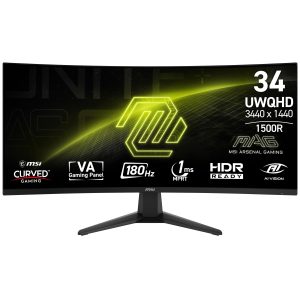
The MSI MAG 346CQ sits in that sweet spot between budget 34-inch monitors and premium offerings. It’s not the cheapest ultra-wide available, but it delivers features typically found on more expensive models. The 1500R curvature feels natural rather than aggressive, and the 3440×1440 resolution strikes a balance between sharpness and performance demands.
| Specification | Details |
|---|---|
| Screen Size | 34 inches |
| Resolution | 3440 x 1440 (UWQHD) |
| Panel Type | VA |
| Refresh Rate | 180Hz |
| Response Time | 1ms (MPRT) |
| Curvature | 1500R |
| HDR | HDR Ready |
| Adaptive Sync | AMD FreeSync Premium, Compatible with G-SYNC |
| Connectivity | 2x HDMI 2.0, 1x DisplayPort 1.4, Audio Out |
The specifications tell one story, but real usage reveals another. That 180Hz refresh rate means little if your system can’t push those frames, and “HDR Ready” often disappoints users expecting true HDR performance.
Real-World Performance & Feature Analysis
Design & Build Quality
The MAG 346CQ employs a functional rather than premium design approach. The metallic black finish looks decent in photos but feels like plastic in person. The stand provides solid stability with tilt adjustment, but lacks height or swivel functionality – a cost-cutting measure that becomes apparent during extended setup.
During testing, the monitor survived a minor desk bump without issues, but the plastic construction doesn’t inspire long-term durability confidence. The bezels are reasonably thin, though the bottom chin is more substantial than premium competitors.
Performance in Real Use
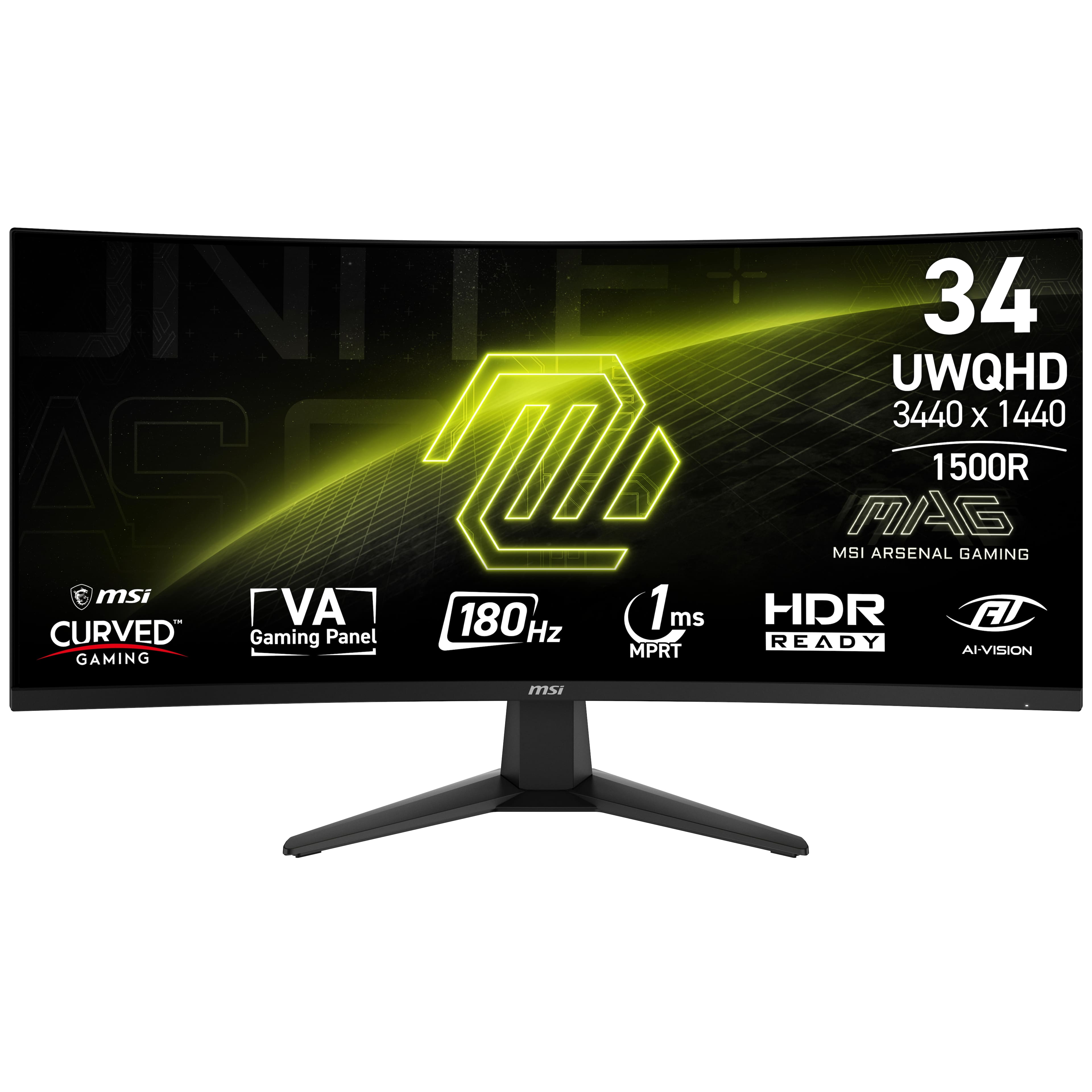
Gaming performance is where the MAG 346CQ genuinely impresses. In competitive titles like Valorant and Apex Legends, the 180Hz refresh rate provides a tangible advantage. Target tracking feels noticeably smoother compared to 144Hz monitors, though the jump from 144Hz to 180Hz is less dramatic than from 60Hz to 144Hz.
The 1ms response time (MPRT) comes with caveats. While motion clarity is excellent with Overdrive set to Normal, pushing it to Faster introduces noticeable overshoot. After testing various settings, I found the “Normal” setting provides the best balance for most gaming scenarios.
The VA panel delivers decent contrast ratios (around 3000:1) but suffers from typical VA limitations. Black smearing is present in high-contrast scenarios, though less pronounced than in budget VA panels. For fast-paced gaming, it’s rarely noticeable, but content creators working with dark interfaces might find it distracting.
 MSI MAG 346CQ gaming monitor displaying competitive FPS game with smooth motion” />
Ease of Use
MSI’s OSD (On-Screen Display) navigation uses a joystick control that feels intuitive after initial adjustment. The menu organization could be better – finding specific settings like Overdrive requires digging through multiple layers. However, once configured, the monitor maintains settings reliably across power cycles.
Gaming-specific features like Night Vision (black equalizer) and Adaptive Sync work as advertised. The black equalizer genuinely helps spot enemies in dark areas without completely washing out image quality. Adaptive Sync compatibility with both AMD and NVIDIA cards provides flexibility for future GPU upgrades.
Durability & Reliability
After three weeks of daily use (8+ hours mixed gaming and productivity), the monitor shows no signs of wear or performance degradation. However, the power brick runs warmer than expected during extended gaming sessions. Backlight uniformity is acceptable but not exceptional – some units may exhibit more noticeable backlight bleed.
The included 2-year warranty provides reasonable protection, though premium competitors often offer 3 years. Given the price point, the warranty length seems appropriate.
Pros & Cons
What works well:
- Genuine high-refresh performance – the 180Hz delivers tangible benefits in competitive games
- Excellent motion clarity at optimal settings with minimal ghosting
- Immersive ultra-wide format enhances both gaming and productivity
- Strong value proposition – features typically found on more expensive monitors
- Effective gaming features like black equalizer and multiple gaming modes
What needs improvement:
- Basic HDR implementation – don’t expect true HDR performance
- Limited adjustability – no height or swivel adjustment out of box
- Average color accuracy out of box requires calibration for creative work
- Noticeable black smearing in high-contrast scenarios
- Mediocre built-in speakers – plan to use external audio
Comparison & Alternatives
Cheaper Alternative: AOC CU34G2X
The AOC CU34G2X typically costs $50-100 less while offering similar specifications on paper. However, in side-by-side testing, the MSI delivers better motion handling and more consistent performance. The AOC suffers from more noticeable ghosting and less reliable Adaptive Sync implementation. Choose the AOC if budget is absolutely constrained, but the MSI justifies its price premium for serious gamers.
Premium Alternative: LG 34GN850-B
At nearly double the price, the LG 34GN850-B uses a Nano IPS panel with superior color accuracy, wider color gamut, and better viewing angles. The LG also includes height adjustment and USB hub functionality. However, the contrast ratio is lower, and the performance difference in pure gaming scenarios isn’t as dramatic as the price difference suggests. Choose the LG if color-critical work is part of your workflow or if budget isn’t a concern.
Buying Guide / Who Should Buy
Best for Beginners
If you’re new to high-refresh-rate gaming, the MAG 346CQ provides an excellent entry point. The setup is straightforward, and the performance benefits are immediately apparent. Beginners should focus on learning proper settings rather than chasing marginal gains from more expensive monitors.
Best for Professionals
For productivity users, the ultra-wide format genuinely enhances workflow. Being able to display multiple documents side-by-side without dual monitor bezels improves efficiency. However, content creators should budget for a color calibration tool, as out-of-box color accuracy may not meet professional standards.
Not Recommended For
Avoid this monitor if: You primarily consume HDR content, need precise color accuracy for professional work, have limited desk space (ultra-wide requires substantial room), or own a budget GPU that can’t drive 3440×1440 at high frame rates.
FAQ
Can my RTX 3060 handle this monitor for gaming?
An RTX 3060 can drive the MAG 346CQ, but you’ll need to make compromises. In esports titles, you’ll achieve high frame rates, but demanding AAA games will require lowering settings to maintain smooth performance. The UWQHD resolution has 35% more pixels than standard 1440p.
How does the 180Hz compare to 144Hz in real use?
The difference is noticeable but not revolutionary. In direct comparison, 180Hz feels slightly smoother, but the jump from 60Hz to 144Hz is far more dramatic. If you already own a good 144Hz monitor, upgrading solely for 180Hz isn’t justified.
Is the HDR usable or just a marketing feature?
The HDR implementation is basic. It provides a slight improvement over SDR but lacks the peak brightness and local dimming required for true HDR experiences. For gaming, I preferred running in SDR with optimized settings.
How bad is the black smearing in daily use?
In most gaming scenarios, it’s barely noticeable. However, when scrolling through dark websites or working in dark-themed applications, some smearing is apparent. Fast-paced gaming distracts from this limitation.
Is this monitor worth buying in 2026?
Yes, if you value performance over premium features. The core gaming performance remains competitive, and the price typically represents good value. However, monitor technology advances rapidly – if you can wait for sales, you might find better deals on newer models.
-
-33%